To create a new email account, perform the following steps:
1. Log in to your SiteWorx account.
2. In the Email section, click on Mailboxes.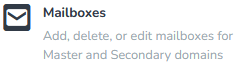
3. Click on the Plus icon. 
4. Enter the following details:
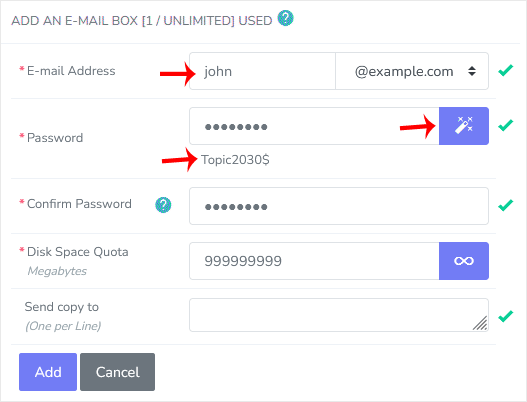
5. Click on Add.
Once your email account is created, it will appear under the Existing E-mail Boxes. 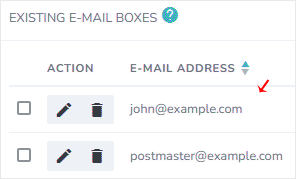
Destek Olmak İçin Hazırız !Çözüm odaklı destek ekibimizle ihtiyacınız olan her anda yanınızdayız

Hedefimiz sektörde öncü firmalar arasında yer alıp, müşterilerine en kaliteli hizmeti sunarak müşteri memnuniyetini sağlamaktır.
Bu Websitesi BTK Tarafından Ticari Amaçlı Yer Sağlayıcı Belgesine ve Niteliğine Sahiptir.