If your VPS is down/offline, you can start it using SolusVM.
1. Log in to your SolusVM Control Panel.
2. If you have multiple VPSs, select the appropriate one.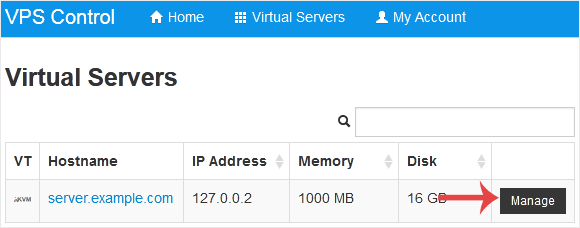
3. Click on Boot.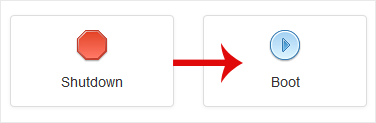
4. Click Yes to confirm.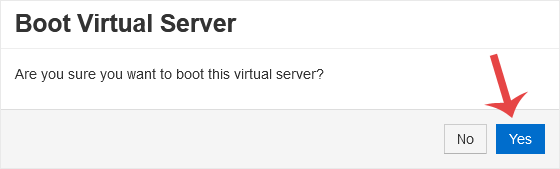
It may take some time for the VPS to start.
You can restart VPS via the command line or SolusVM.How to Reboot/Restart a...
You can easily Install/Reinstall the operating system using SolusVM. However,...
SolusVM allows you to enable or disable VNC, PAE, APIC, and ACPI.1. Log in to...
We recommend changing the disk driver to Virtio or IDE before installing the...
You can change your network card from the SolusVM control panel. 1. Log in...